The Pain Cave
Build a Pain Cave You Actually Want to Ride In
The whole-setup story — trainer plus platform plus fan plus screen plus sensors — at budget, mid and dream tiers, each component linked to the pick that earns its place.
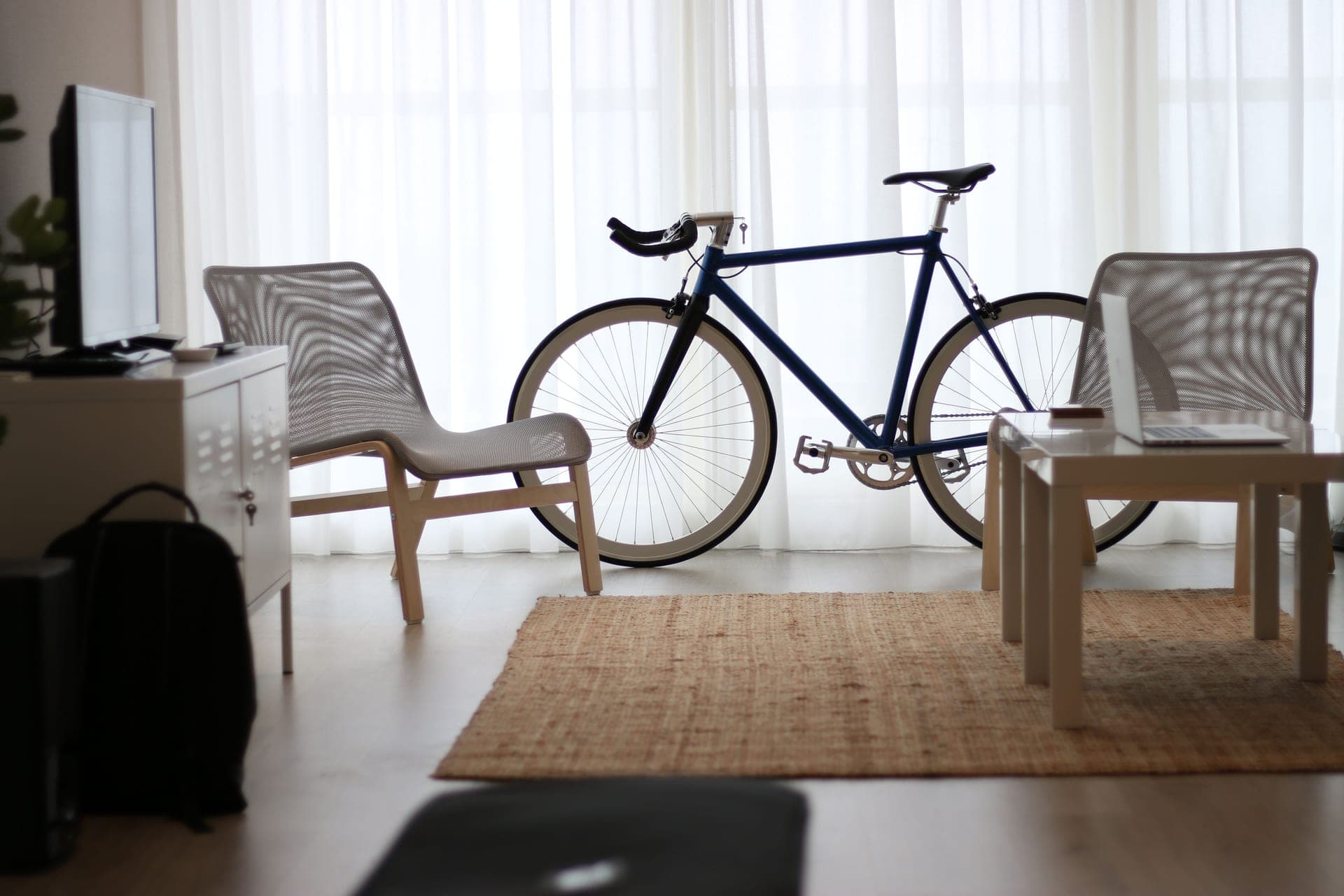
A pain cave is a system, not a single purchase. The trainer gets the headlines, but whether you actually ride it through a whole winter comes down to the room around it: how hot you get, what you look at, how much noise you make, and how little friction stands between "I should ride" and clipping in. This hub is the build guide — the complete setup, tier by tier, with every component pointing to the roundup that chooses it.
The five things every setup needs
In rough order of how much they affect whether you keep riding: a trainer (the resistance), a fan (the single most underrated purchase — heat is what ends indoor rides early), a screen and a platform like Zwift (something to look at and race on), a mat (noise, sweat and floor protection), and sensors (cadence and heart rate to round out the data). Our complete indoor cycling setup guide assembles all five at three budgets.
Budget, mid and dream
A budget setup pairs a value direct-drive trainer with a cheap high-flow fan, a basic mat and a laptop or tablet on a chair. A mid setup steps up to a flagship-adjacent trainer, a dedicated wind fan, a proper trainer desk and a mounted monitor. A dreamsetup adds a climb simulator, a big TV, smart lighting and the quietest trainer money buys. The jump that changes your experience most isn't the trainer tier — it's adding a real fan and a screen you enjoy looking at. If Zwift is the plan, start with the best trainer for Zwift.
Two ways in, depending on the budget
If money is the constraint, build in priority order rather than all at once — Zwift setup on a budget lists exactly what to buy first, what to borrow, and the one line not to cross. If the room is permanent and you want it right, pain cave setup ideas covers layout, airflow, noise and the upgrade order that builds a room you actually walk into at 6am.
Your room decides more than your budget
The same money builds a very different setup depending on where it goes. In a flat, the binding constraints are noise, floor space and the person below you — our apartment pain cave guide explains what actually travels through a building and the floor stack that stops it. In a garage, the constraints are cold, damp, concrete and summer heat, all of which the garage pain cave covers in order of priority. Before either, there is the build itself: how to set up a smart trainer walks from box to first interval, including the parts nobody tells you the trainer does not come with. And once it is built, the last decision is which platform to ride — Zwift vs TrainerRoad answers that with one honest question about what is actually stopping you, and Zwift vs Rouvy settles the other version of it: a rendered virtual world full of riders, or real filmed roads with real gradients.
Where to spend and where to save
Spend on the fan and the screen; those are what get you on the bike — the Zwift screen roundup covers what size works at trainer distance and how to mount it, and the Zwift tablet roundup is the simpler route when one device should run and show the app. Save on the trainer tier (a mid-range direct-drive traineris plenty) and on sensors (last year's models are fine). The fan roundup and the accessories checklist cover the supporting cast in detail. The goal is a room you want to be in — because the best setup is the one you actually use.
The cheapest way to get Zwift onto a television is a streaming box rather than a laptop, and it comes with exactly one specification worth understanding before you buy — Zwift on Apple TV covers the setup and the connection budget sensor by sensor.
Once the tablet is chosen, the next decision is where it goes — and on a chair is the wrong answer. The best tablet stands and holders for Zwift covers the floor tripods and desks that get a screen up to bar height, including which ones fold into a bag afterwards.
In this section
Indoor Setup: every guide and roundup
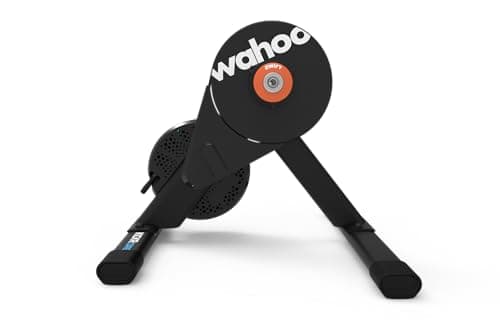
Complete Pain Cave
Build Your Pain Cave: The Complete Indoor Cycling Setup
The complete indoor cycling setup at budget, mid and dream tiers — trainer, fan, mat, screen and sensors.
Top pick: Wahoo Kickr Core 2
#ad We may earn a commission · Price as of October 22, 2026
Best Trainer for Zwift
The Best Trainer for Zwift, Weighted for Value
The best trainer to run Zwift, weighted for value — from the cheapest honest way in to the premium pick.
Top pick: Wahoo Kickr Core 2
#ad We may earn a commission · Price as of October 22, 2026
The Pain Cave
How to Set Up Zwift From Scratch
Set up Zwift from scratch: trainer, device, Bluetooth/ANT+ pairing, screen, sensors and subscription.
Read the guide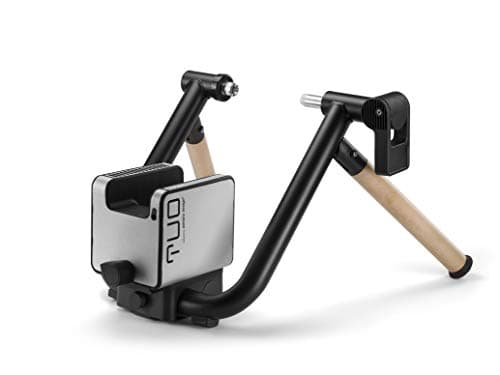
Budget Zwift Build
Zwift Setup on a Budget: What to Buy, in What Order
The cheapest Zwift build that still works properly, in the order you should buy it — and the one line not to cross.
Top pick: Elite Tuo
#ad We may earn a commission · Price as of October 22, 2026
Pain Cave Build
Pain Cave Setup Ideas That Survive a Winter
Layout, airflow, noise and the upgrade order that builds a pain cave you actually walk into at 6am.
Top pick: Wahoo Kickr Core 2
#ad We may earn a commission · Price as of October 22, 2026
The Pain Cave
Zwift vs TrainerRoad
Zwift vs TrainerRoad on motivation, structured training, hardware demands and cost — plus the honest case for running both.
Read the guideBest Apartment Setup
The Apartment Pain Cave
Building a pain cave in a flat: what noise actually travels, the floor stack that stops it, and the trainer, mat and fan that make a small room workable.
Top pick: Wahoo Kickr Core 2
#ad We may earn a commission · Price as of October 22, 2026
Setup Essentials
How to Set Up a Smart Trainer
Setting up a smart trainer from box to first interval: adapters, cassette fitting, leveling, firmware, pairing and calibration — plus the parts nobody mentions.
Top pick: Wahoo Kickr Core 2
#ad We may earn a commission · Price as of October 22, 2026
Best Garage Build
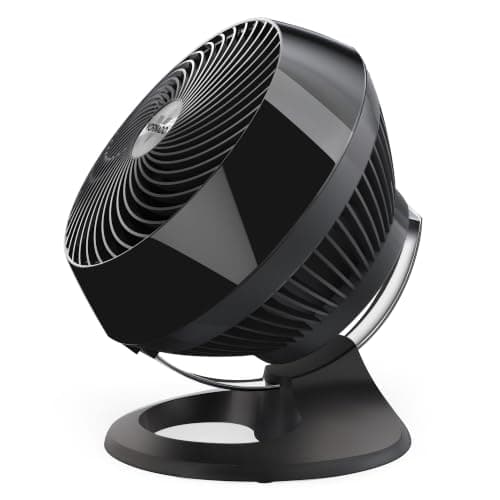
The Garage Pain Cave
Building a permanent pain cave in a garage: cold starts, summer heat, damp and corrosion, concrete floors and lighting — plus the kit that actually earns its place.
Top pick: Vornado 660
#ad We may earn a commission · Price as of October 22, 2026
The Pain Cave
What a Zwift Setup Actually Costs
Every line item in a Zwift setup, priced honestly: trainer, subscription, screen, fan, mat, cassette and the small parts — plus three worked builds from minimum to comfortable.
Top pick: Wahoo Kickr Core 2
#ad We may earn a commission · Price as of October 22, 2026

Best Zwift Screens
The Best TVs and Monitors for Zwift, Ranked
Zwift screens ranked on size at trainer distance, placement and price — plus the mounts that get them to the right height and what has to run Zwift behind them.
Top pick: Hisense 43-inch A6S 4K UHD TV
#ad We may earn a commission · Price as of October 22, 2026

Best Zwift Tablets
The Best Tablets for Zwift, Ranked
Tablets that run Zwift natively, ranked on Zwift's published requirements, HUD legibility from the saddle and sweat resistance — plus the stand that gets one to eye level.
Top pick: Apple iPad 11-inch (A16), 128GB Wi-Fi
Head to Head
Zwift vs Rouvy
Zwift vs Rouvy on price, route format, racing and structured training — virtual worlds against real filmed roads, at the same monthly price.
Top pick: Wahoo Kickr Core 2
#ad We may earn a commission · Price as of October 22, 2026

Cheapest Big Screen
Zwift on Apple TV
Running Zwift on an Apple TV: what you need, the two-Bluetooth-connection limit inside the game, the Companion workaround and its rules, and when a tablet or PC is the better platform.
Top pick: Polar H10
#ad We may earn a commission · Price as of October 22, 2026
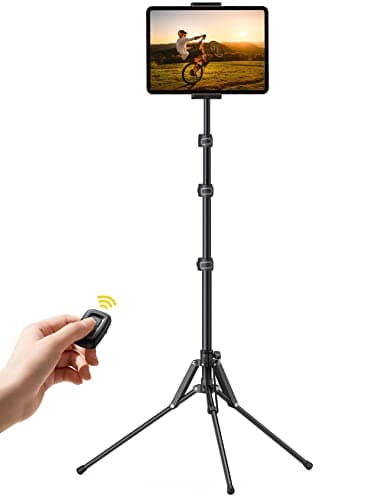
Tablet Stands
The Best Tablet Stands and Holders for Zwift
Where to put the tablet: a folding floor tripod, a purpose-built trainer desk, and three options in between, ranked by height range and footprint.
Top pick: Lamicall Tablet Floor Tripod Stand (FT02)