Troubleshooting
Cadence Sensor Not Working?
The symptom is always the same — no cadence on screen — and the cause is one of six things. Work down this list in order and stop when it reads.
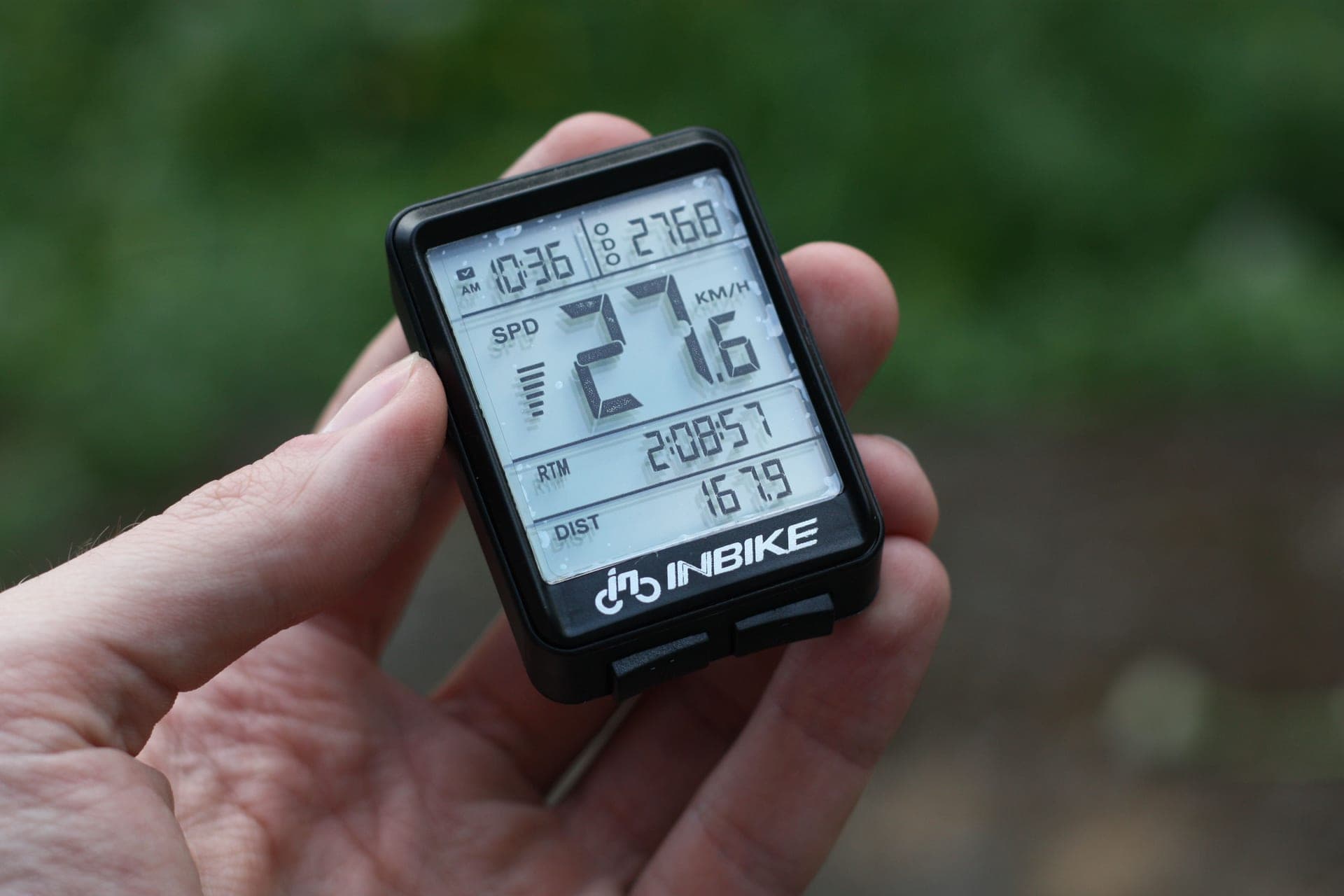
Cadence sensors fail in a frustratingly uniform way: the number simply is not there. The useful thing is that the causes are a short, fixed list, and they have a natural order — cheapest and most likely first. Work down it.
1. It is asleep
Every current cadence sensor is magnet-less and sleeps between rides to protect the coin cell. It wakes on rotation, not on being asked politely by an app. Spin the cranks for five to ten seconds, keep pedaling, and then open the pairing screen.
If the sensor has an LED, it blinks while it is awake and broadcasting. That single light splits the problem in half: blinking means the sensor works and the issue is on the receiving end; nothing means the sensor is the problem.
2. The battery
A CR2032 does not fail cleanly. As it fades you get intermittent readings, cadence that drops to zero during hard efforts and recovers, or a sensor that pairs and then disappears ten minutes in. All of that looks like a software problem and is not.
Garmin claims up to about twelve months for its Cadence Sensor 2; Wahoo quotes around 200 hours for the TRACKR Speed. If you cannot remember changing it, change it. Note the orientation of the old cell, and make sure the rubber gasket seats properly when you close the case — a bad seal is how sweat gets in, which is a real risk on a trainer bike.
On a brand-new sensor, check for the plastic battery tab. It is still the single most common cause of a sensor that has never worked.
3. It is paired somewhere you forgot about
This is the one that wastes the most time. If you bonded the sensor in your phone's or tablet's system Bluetooth settings, the operating system may hold the connection and the app will never see it. Most cycling apps want to connect to the sensor directly.
The fix: go into system Bluetooth, forget the device, then pair it inside Zwift or your training app. The same applies if another app or a second head unit nearby is holding the sensor — Bluetooth sensors generally only talk to one receiver at a time.
4. You have run out of Bluetooth connections
Apple TV allows two simultaneous Bluetooth connections, and a trainer plus a heart rate strap uses both. Add a cadence sensor and something has to go. This is not a fault, it is a documented platform limit, and it is covered in Zwift on Apple TV.
There are three ways out: drop a sensor you do not need, use the Zwift Companion app as a bridge for some devices, or move to ANT+, which has no practical connection limit. On a PC or Mac an ANT+ dongle on an extension cable solves this and several other problems at once.
5. The sensor is in the wrong mode
Dual-purpose sensors such as the Magene S3+ and the Coospo do one job at a time: speed orcadence. A sensor set to speed mode and banded to a crank arm will pair happily and report nothing useful, which reads as "not working" even though everything is functioning.
Check the mode, set it deliberately, and confirm you are selecting the Cadencebox in your app's pairing screen rather than the speed one.
6. It has moved on the crank
Rubber bands relax. A sensor that can rotate on the arm reads intermittently, exactly like a failing battery. Twist it with a finger: if it moves, re-band it tight, and check it clears the chainstay through a full backwards revolution.
If the crank shape simply will not hold a band — deep aero profiles, oversized arms, an arm with a power meter already bonded to it — move the sensor to a shoe clip if yours supports one. How to install a cadence sensor covers the mounting options properly.
| What you see | Most likely cause | Fix |
|---|---|---|
| Never appears in the pairing list | Asleep, or battery tab still fitted | Spin the cranks; remove the tab |
| Appears, then vanishes mid-ride | Fading coin cell, or a loose band | Replace the CR2032; re-band it tight |
| Visible to the phone, invisible to the app | Bonded at OS level | Forget it in system Bluetooth, pair in-app |
| Pairs but reads zero | Sensor in speed mode, not cadence | Switch the mode; pair the Cadence slot |
| Drops out only on Apple TV | Two-connection Bluetooth limit | Drop a sensor, or bridge via Companion |
| Drops out on a PC across the room | Marginal Bluetooth link | ANT+ dongle on an extension cable |
The short answer
If the sensor really is dead
| # | Product | Best for | Score | Price |
|---|---|---|---|---|
| 1 | 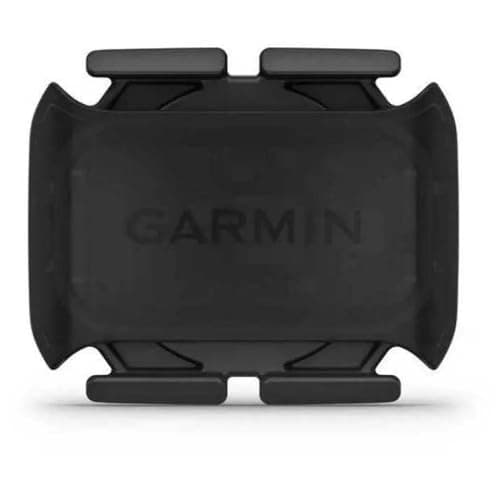 Garmin Cadence Sensor 2 The replacement to buy if the dead sensor was a Garmin, and the one whose claimed year-long battery makes this fix list come up least often. | Best replacement for a Garmin setup | 8.78.7 out of 10 | |
| 2 | 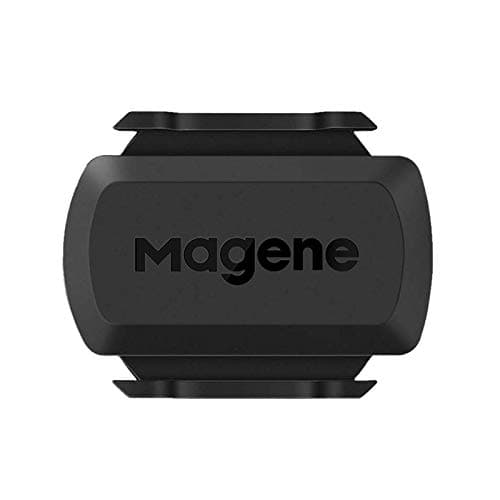 Magene S3+ The pragmatic buy when you are not sure whether the sensor or the setup is at fault: cheap, dual-band, and it covers both sensor jobs. | Cheapest way to rule out a faulty sensor | 8.58.5 out of 10 | $16.99 · View on Amazon #ad We may earn a commission · Price as of October 21, 2026 |
| 3 | 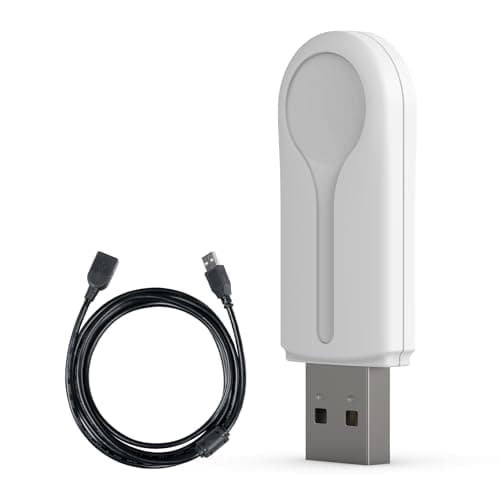 CYCPLUS ANT+ USB Receiver Stick The fix when the sensor is fine and Bluetooth is not: an ANT+ dongle on an extension cable solves dropouts that no amount of re-pairing will. | The fix when Bluetooth is the problem | 8.58.5 out of 10 | $16.99 · View on Amazon #ad We may earn a commission · Price as of October 21, 2026 |
When the answer is that you do not need it
Before you replace anything, check whether your trainer already reports cadence. Most current smart trainers do, and if yours is one of them the sensor is duplicating data you already have — and consuming a Bluetooth connection to do it.
On Zwift specifically, cadence is displayed rather than used: the simulation derives your speed from power, weight, gradient and draft. Do you need a cadence sensor for Zwift makes that case in full, and what cadence should you ride at covers what to do with the number once you have it.
And if the thing that is actually dropping out is the trainer rather than the sensor, smart trainer not connecting to Zwift is the right list to work through instead.
Time to replace it?
See every cadence sensor rankedThe full reviews
Every pick, in detail
Best replacement for a Garmin setup
Garmin Cadence Sensor 2
8.78.7 out of 10The replacement to buy if the dead sensor was a Garmin, and the one whose claimed year-long battery makes this fix list come up least often.
- Connectivity
- Bluetooth + ANT+
- Mount
- Crank arm band (magnet-less)
- Battery
- CR2032 coin cell
- Battery life
- Up to ~12 months (claimed)
- Best for
- Garmin ecosystems
What we'd praise
- The longest claimed battery life here, which removes the most common failure cause
- Reappears on a Garmin Edge or watch without reconfiguration after a battery change
- Dual-band, so a Bluetooth problem can be worked around by switching to ANT+
- Band mount with nothing to align, so a reinstall cannot go wrong
What we'd flag
- No real advantage over the Wahoo or Magene unless you are already in the Garmin world
- The band mount can need re-seating over time on some cranks
If you have worked through the list and the sensor is genuinely dead, this is the safest replacement for anyone running a Garmin head unit: it re-pairs without configuration, and the claimed twelve-month coin cell life is the longest of the sensors we rank.
It is dual-band, which matters more than it sounds when you are troubleshooting — a sensor that broadcasts ANT+ as well as Bluetooth gives you a second route to the same data when one protocol is the problem.
Cheapest way to rule out a faulty sensor
Magene S3+
8.58.5 out of 10#ad We may earn a commission · Price as of October 21, 2026
The pragmatic buy when you are not sure whether the sensor or the setup is at fault: cheap, dual-band, and it covers both sensor jobs.
- Connectivity
- Bluetooth + ANT+
- Mount
- Crank arm or hub (dual mode)
- Battery
- CR2032 coin cell
- Modes
- Speed or cadence (switchable)
- Best for
- Value, flexibility
What we'd praise
- Cheap enough to buy as a diagnostic — if a second sensor also fails to appear, the problem is not the sensor
- Switches between speed and cadence, which fixes the single most common 'wrong data' complaint
- Dual Bluetooth and ANT+ for well under the name-brand price
- Comes with crank and hub mounts, so it can replace either kind of sensor
What we'd flag
- App and firmware polish trails Wahoo and Garmin
- The mode switch is easy to miss, which is itself a cause of 'not working' reports
Troubleshooting a sensor you cannot see is hard, because every symptom looks like every other symptom. A second cheap dual-band sensor is a genuinely useful diagnostic: if it pairs, your first sensor is dead; if it does not, the problem is the app, the protocol or the connection limit.
It is also the fix for the most common "working but wrong" complaint, which is a switchable sensor left in the wrong mode. Set it deliberately before you fit it — how to install a cadence sensor walks through the sequence.
The fix when Bluetooth is the problem
CYCPLUS ANT+ USB Receiver Stick
8.58.5 out of 10#ad We may earn a commission · Price as of October 21, 2026
The fix when the sensor is fine and Bluetooth is not: an ANT+ dongle on an extension cable solves dropouts that no amount of re-pairing will.
- Protocol
- ANT+
- Connection
- USB-A
- In the box
- 3 m extension cable
- Platforms
- Windows and macOS with ANT+ support
- Works with
- Trainers, power meters, HR straps, cadence sensors
- Why it wins
- The cable is the feature
What we'd praise
- Moves you off Bluetooth entirely, which fixes dropouts Bluetooth troubleshooting cannot
- The 3 m extension cable gets the receiver next to the bike instead of behind a laptop
- ANT+ has no connection limit, so sensor count stops being a problem
- Cheap enough that it is a trivial purchase against a session lost to dropouts
What we'd flag
- Generic hardware with no manufacturer support to speak of if it fails
- USB-A only, so a modern laptop may need a hub as well
- Does nothing at all for a phone, tablet or Apple TV setup — this is a computer accessory
A large share of "cadence sensor not working" problems on a PC or Mac are not sensor problems at all. Bluetooth from a laptop, through a desk, across a room, to a sensor spinning inside a steel crank, is a marginal radio link — and it fails intermittently rather than cleanly, which is why it is so frustrating to diagnose.
ANT+ on an extension cable fixes it by changing both variables at once: a different protocol with no connection limit, and a receiver that sits next to the bike rather than behind your screen. Our ANT+ adapter roundup ranks the options, and ANT+ vs Bluetooth explains when it is worth switching.
Good questions
Frequently asked questions
Why is my cadence sensor not working?
In order of likelihood: it is asleep and needs the cranks spinning to wake, the CR2032 coin cell is fading, it is bonded in your phone's system Bluetooth settings instead of inside the app, you have hit a Bluetooth connection limit, the sensor is set to speed mode rather than cadence, or the rubber band has loosened and the sensor is rotating on the crank.
How do I know if my cadence sensor battery is dead?
A fading coin cell gives intermittent readings before it gives silence: cadence that drops to zero during hard efforts and recovers, or a sensor that pairs and then disappears partway through a ride. If the sensor has an LED and it does not blink when you spin the cranks, replace the battery before troubleshooting anything else.
Why does my cadence sensor pair but show no cadence?
Usually because a switchable sensor is in speed mode rather than cadence mode, or because you paired it into the speed slot in your app. Check the sensor's mode, then make sure you are selecting it specifically in the Cadence box on the pairing screen.
Why does my cadence sensor keep disconnecting on Apple TV?
Apple TV supports two simultaneous Bluetooth connections. A trainer and a heart rate strap use both, so a third sensor cannot connect reliably. Drop a sensor you do not need, bridge some devices through the Zwift Companion app, or move the setup to a computer with an ANT+ dongle, which has no practical connection limit.
Can I use a cadence sensor with my phone's Bluetooth settings?
You should not. Most cycling apps connect to sensors directly, and a sensor already bonded at the operating system level can be held by the OS and invisible to the app. Forget the device in system Bluetooth settings and pair it inside the app instead.
Does a cadence sensor need calibrating?
No. Magnet-less cadence sensors detect their own rotation with an internal accelerometer, so there is no calibration step and no magnet gap to set. If the number is wrong rather than missing, the cause is the sensor's mode or the slot it is paired into, not calibration.
How we sourced this
Keep going
Read these next
- GuidesHow to Install a Cadence Sensor
- AccessoriesThe Best Cadence Sensors
- GuidesSmart Trainer Not Connecting to Zwift
- GuidesANT+ vs Bluetooth for Zwift
- AccessoriesThe Best ANT+ Adapters for Zwift
- GuidesDo You Need a Cadence Sensor for Zwift?
- Indoor SetupZwift on Apple TV
- AccessoriesBike Trainer Sweat Protection